¶ How to focus the view on a residue or binding site
Focus the camera when you want to look closely at one residue, a ligand or its binding site.
Prerequisites: a structure shown in the 3D viewer.
- Right-click the residue or ligand in the 3D viewer.
Result: the view is centered and zoomed on that element.
¶ Variations
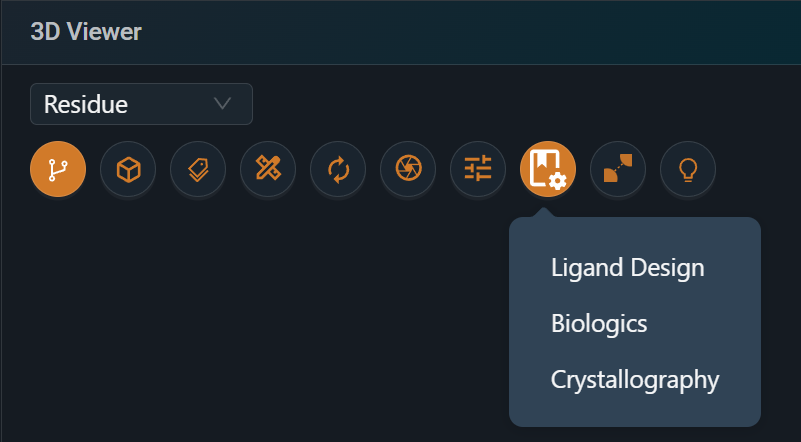
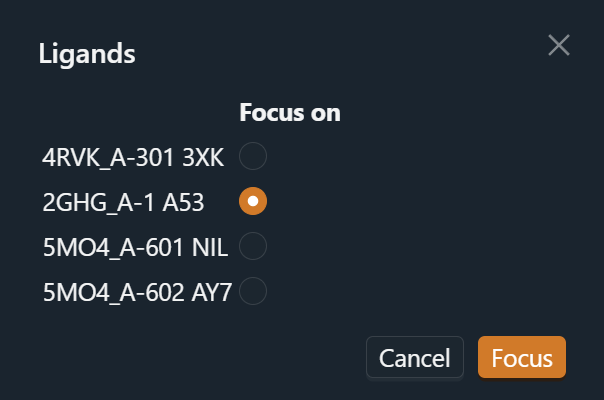
- You can't see the ligand: in the 3D viewer toolbar, click Presets and select Ligand Design, then select the ligand to focus on.
- Focus on a selection: select the residues, then click Focus selection in the selection toolbar.
- Go back to the full view: click Reset view in the 3D viewer toolbar.
¶ Related
- Feature: Workspace and 3D Viewer